
Ducati Diavel Owners Manual: Hands free key (hf) not recognised
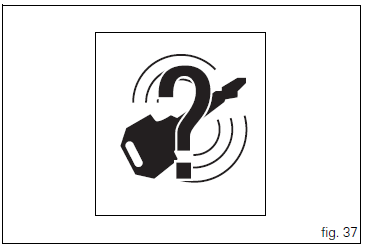
The activation of this (amber yellow) "warning" indicates that the hands free system does not detect the active key (1, fig. 62) Near the vehicle.
 Note
Note
In this case, ducati recommends checking that the active key (1, fig. 62) Is near the vehicle (and has not been lost) and that it functions properly.
 Traction control (dtc) deactivated
The activation of this (amber yellow) "warning" indicates
that dtc (ducati traction control) has been turned off.
Note
In this case, ducati recommends being very careful
when riding as ...
 Low hands free key (hf) battery level
The activation of this (amber yellow) "warning" indicates
that the hands free system has detected that the battery
that permits the active key (1, fig. 62) To communicate and
turn the veh ...
Other materials:
Reassembly of rear shock absorber - rocker arm - linkage assembly
Once the needle roller bearings (9) have been removed from the rocker arm
(18), upon reassembly fit a new needle roller
bearing (9) on drift part no. 88713.1071 And lubricate with recommended grease.
Support the rocker arm and drive the needle roller bearings into the rocker arm
bore until t ...
Changing the brake fluid
Warning
Brake fluid is corrosive and will damage paintwork. Avoid contact
with eyes and skin. In the case of accidental contact,
wash the affected area thoroughly with plenty of running water.
Changing the fluid in the front brake circuit
Remove the cover (1) with the membrane from the front b ...
Ignition coils
Introduction
The engine control system of the diavel includes two ignition coils: one for
the horizontal cylinder and one for the vertical
cylinder. These coils are installed directly in the spark plug wells. A diode is
installed on the secondary winding inside the
coil, which prevents the un ...