
Ducati Diavel Service Manual: Separation of the crankcase halves
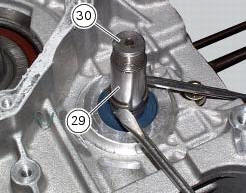
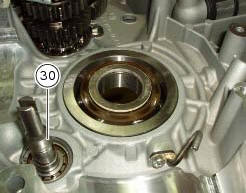
Use two screwdrivers to remove the circlip (29) from the timing belt driveshaft shaft (30) on the clutch-side crankcase half.
Note
Take care to avoid scoring the surface of the shaft while removing the circlip.
Unscrew the crankcase half screws on the chain side.
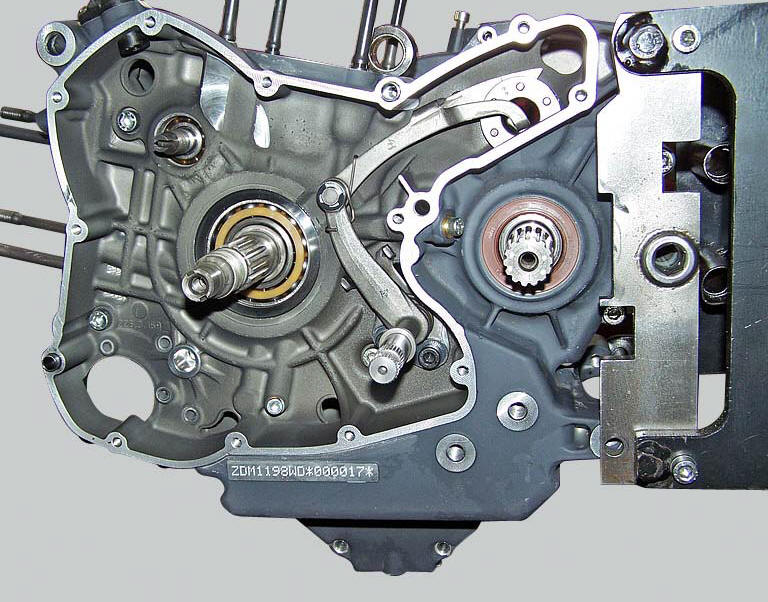
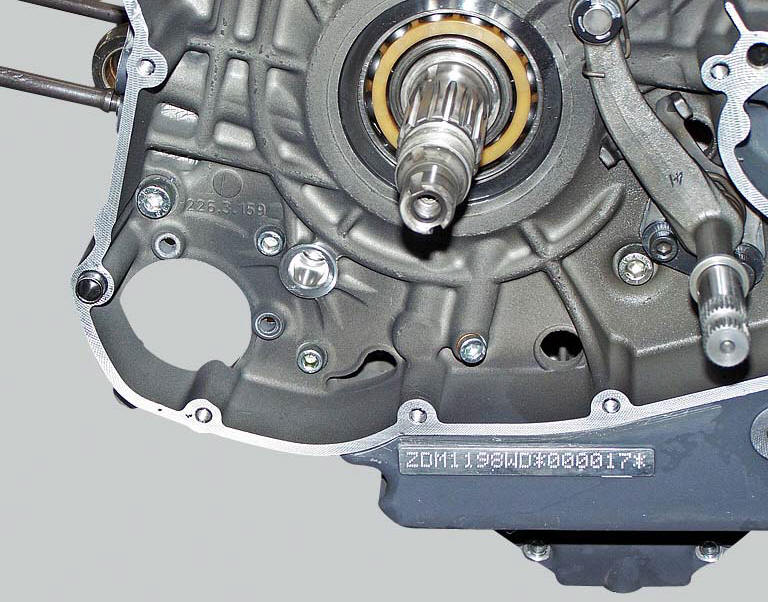
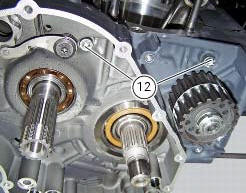
Unscrew the two screws (12) on the clutch side near the vertical cylinder.
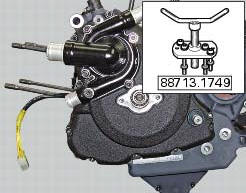
Reuse the alternator cover or a service cover with puller 88713.1749 Fitted. Secure cover to crankcase half with some of the original screws and begin separation by turning the central pin of the tool.
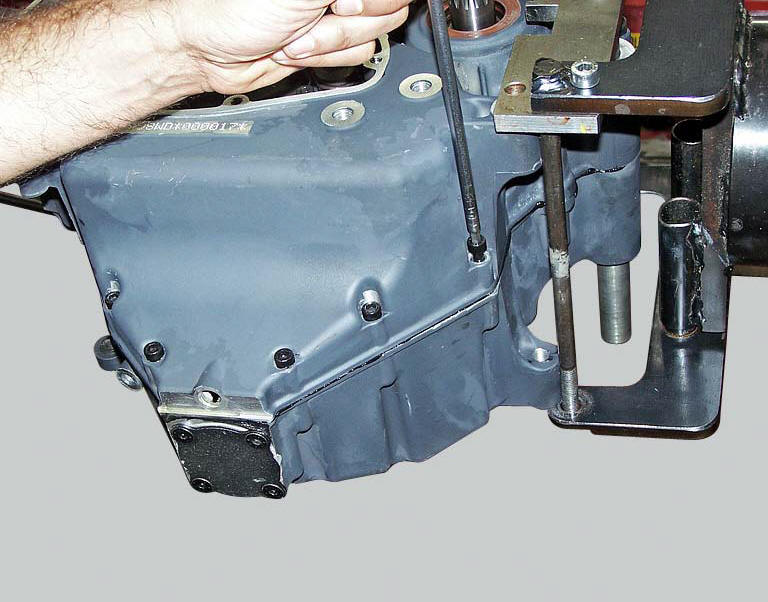
Tap the end of the gearbox secondary shaft with a plastic mallet to separate the crankcase halves.
Note
Take care not to lose the shims on the shafts and on the selector drum.
Remove gearbox shafts and gearbox selector drum from the crankcase halves (sect. 9 - 7.2, Removal of the gearbox assembly.
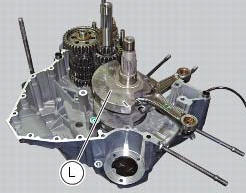
Drive out the crankshaft (l) using a plastic mallet, taking care not to lose the shims.
Remove the timing belt driveshaft (30).
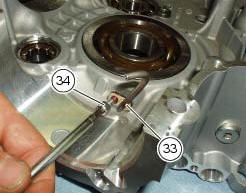
Remove the screws (34), remove the pipes (33) and collect the o-rings (32).
 Crankcase halves
Bearing
Bearing holder bushing
Alternator-side crankcase half
Bearing
Circlip
Washer
Bearing
Sealing ring
Bearing
Retaining plate
Screw
Screw
Clutch-side crankcase half
...
 Overhaul of the crankcase halves
Carefully examine the engine crankcase halves.
Check that the surfaces of the crankcase halves are perfectly flat using a
reference surface.
Check that the bearings (1) and (18), and the bushing ...
Other materials:
Removal of the crankshaft/connecting rods assembly
After separating the crankcase halves, withdraw the crankshaft (6) complete
with connecting rods (2).
...
Wiring diagram of the hands free system
The diagram illustrates the inputs, outputs and communication lines used by
the hands free system.
1I - on/off button placed on the hands free system (located below the plastic
cover)
2I - on/off button placed on the bike handlebar rh side
3I - steering position micro-switch
4I - steerin ...
Fault indication
The dds (diagnosis ducati system) indicates all active errors and all
inactive but stored errors gathered by the bbs. A
simplified summary of the active errors is also shown in the master dashboard
service display when the dashboard is
switched on. Simultaneously, the eobd warning light is als ...