
Ducati Diavel Owners Manual: Steering lock on indication
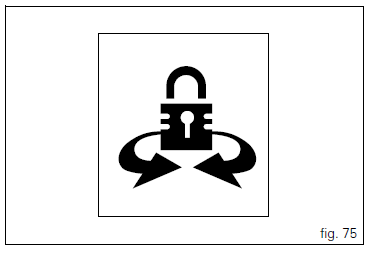
This function informs that the steering lock was turned on.
The steering lock can be turned on during the first 60 seconds after turning off the vehicle by pressing down on the "run" button.
If the steering lock was enabled correctly, the instrument panel will show the indication in the display for 5 seconds.
 Note
Note
The steering lock can only be turned on when the steering is in position.
 Steering in position for being locked indication
This function informs that the steering is in position for
turning on the steering lock.
The sensors detect that the steering is in position during the
first 60 seconds after turning off the vehi ...
 Controls
Warning
This section shows the position and function of the
controls used to ride the motorcycle. Be sure to read this
information carefully before you use the controls. ...
Other materials:
Removal of the brake discs
The front brake discs consist of an inner carrier, which is mounted to the
wheel, and an outer rotor. Both parts must be
changed together as a pair.
Remove the front wheel (sect. 7 - 1, Removal of the front wheel).
Undo the retaining screws (5) of the disc to the wheel, remove the disc (7) ...
Reassembly of the tool tray
Place the tool tray unit (23) on the lateral brackets (2) and (3) by
tightening the screws (24) to 14 nm +/- 5% (sect. 3-3,
Frame torque settings).
If the handle guide (32) has been previously removed, position it on the tray
(23) and tighten the screws (34) to 20 nm
+/- 5% (sect. 3-3, Fram ...
Stored lap display function
This function displays the stored laps.
To access the function it is necessary to view the "setting" menu page 48, using
button (1, fig. 14) ?"" or (2, fig.
14) ?" " select the "lap" function and
press the reset button
(12, fig. 12) To go to next pag ...