
Ducati Diavel Owners Manual: Hands free key (hf) not recognised
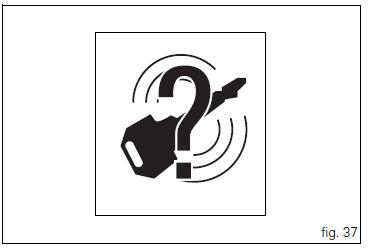
The activation of this (amber yellow) "warning" indicates that the hands free system does not detect the active key (1, fig. 62) Near the vehicle.
 Note
Note
In this case, ducati recommends checking that the active key (1, fig. 62) Is near the vehicle (and has not been lost) and that it functions properly.
 Traction control (dtc) deactivated
The activation of this (amber yellow) "warning" indicates
that dtc (ducati traction control) has been turned off.
Note
In this case, ducati recommends being very careful
when riding as ...
 Low hands free key (hf) battery level
The activation of this (amber yellow) "warning" indicates
that the hands free system has detected that the battery
that permits the active key (1, fig. 62) To communicate and
turn the veh ...
Other materials:
Frame torque settings
*Dynamic safety-critical point; tightening torque must be within nm +/-5%.
Note
For product specifications and symbols, refer to "product specifications"
(sect. 1 - 2). ...
Abs fault indicator not working
Fault codes
Dds: displays a fault code described in the description of the abs system.
Dashboard: no fault code displayed.
Wiring diagram
Checks
The abs fault indicator indicates the occurrence of one or more faults in the
antilock brake system, or if the system itself
has been disable ...
Refitting the swingarm
Apply the recommended threadlocker to the screws (7).
Install the lower chain guard (15) on the swingarm (8), fastening it with the
screws (7): tighten the screws (7) to a torque
of 4 nm +/- 10% (sect. 3 - 3, Frame torque settings).
Locate the swingarm (8) on the frame.
Lubricate with ...